Notes & tasks · iOS · Android · Huawei · free
Executive Notes
Capture it before it's gone.
A note-taking and task app for people who think faster than they type: reminders, cross-device sync, audio and image attachments, and sharing.
01 In short
What is Executive Notes?
Built and maintained by Digital Services. Free on all three stores, in 1 language.
A note-taking and task app for people who think faster than they type: reminders, cross-device sync, audio and image attachments, and sharing. Built by Digital Services and free to download on the App Store, Google Play and Huawei AppGallery.
- Notes and tasks in one place — Stop keeping the thought in one app and the deadline in another.
- Reminders that actually fire — Attach an alert to any note or task and it surfaces when it matters.
- More than text — Images and audio clips attach to notes, because some ideas don't want to be typed.
02 Features
Everything it does.
No feature list padding. This is the app.
| Feature | What it does |
|---|---|
| Fast capture | Open, type, done — no folder ceremony before you can write. |
| Task management | Turn any note into a task with a due date. |
| Reminders | Timed alerts on notes and tasks. |
| Cross-device sync | Same notes on phone and tablet. |
| Sharing & collaboration | Share a note or task with someone else. |
| Rich media | Attach images and audio clips. |
| Security | Protect what you've written. |
| Themes | Pick the look you'll actually want to open. |
| Smart search | Find any note by content, fast. |
03 Details
| Publisher | Digital Services |
|---|---|
| Category | Notes & tasks |
| Platforms | iOS, Android, Huawei |
| Price | Free to download |
| Support | support@digitalservices.me |
| Legal | Privacy policy · Terms of use |
Available in 1 languages
04 Under the hood
How it's actually built.
Executive Notes is a cross-platform build like the rest of our own catalogue, shipping to iOS, Android and Huawei AppGallery from one codebase. It's deliberately English-only — a narrower localisation scope than our other apps, and a reasonable trade-off for a fast-capture tool where typing speed and layout simplicity matter more than reach.
"Fast capture" is an architectural decision as much as a UX one: opening the app drops straight into a new note with no folder picker or template screen in between, because the entire premise is that a thought captured two seconds slower is a thought half-forgotten by the time you're done navigating to write it down. Cross-device sync and the image/audio attachments both depend on the same account layer — sign in once, and a note started on a phone is there, media included, on a tablet.
Search runs against a local index on-device rather than round-tripping every keystroke to a server, so results appear as you type instead of after a network call resolves — the same reason the app can also lock notes behind a passcode or biometric check independent of the account layer, since that protection has to work even with no connection at all.
05 Questions
About Executive Notes.
Is Executive Notes free?
Yes. Executive Notes is free to download on the App Store, Google Play and Huawei AppGallery.
Can I set reminders on a note?
Yes. Any note or task can carry a timed reminder, so a captured thought turns into something that comes back to you at the right moment.
Do my notes sync between my phone and tablet?
Yes. Notes and tasks sync across every device signed in to the same account.
Can I attach photos or voice recordings?
Yes. Notes support image and audio attachments alongside text.
Can I share a note with someone else?
Yes. Notes and tasks can be shared so more than one person can work from the same list.
06 More from Digital Services
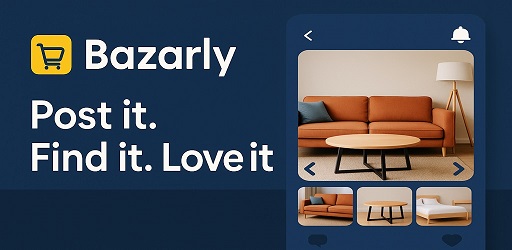
Bazarly
A local buy-and-sell marketplace app with AI photo-to-listing, in-app chat and offers — live in Cyprus, and available to license as a white-label platform.
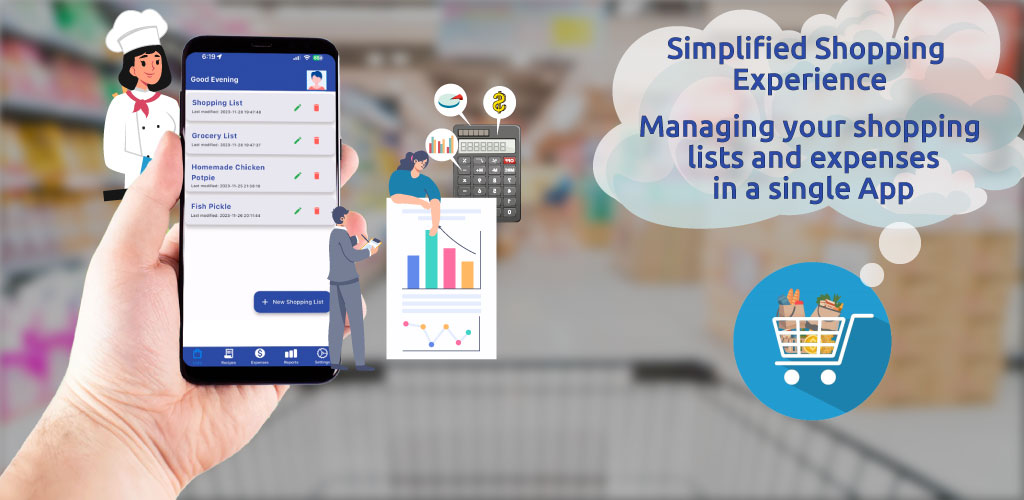
Grocery List
Share shopping lists with family and see what you spend. Free, works offline.
Business Ideas
A workspace for founders: break an idea into tasks and milestones, validate it with community polls, and browse what other people are building.
Built by Digital Services